Introduction
Live Asset locations can be shared from the platform, via a link, to non-platform users. These links are valid for a set time period, chosen by the sharing party.
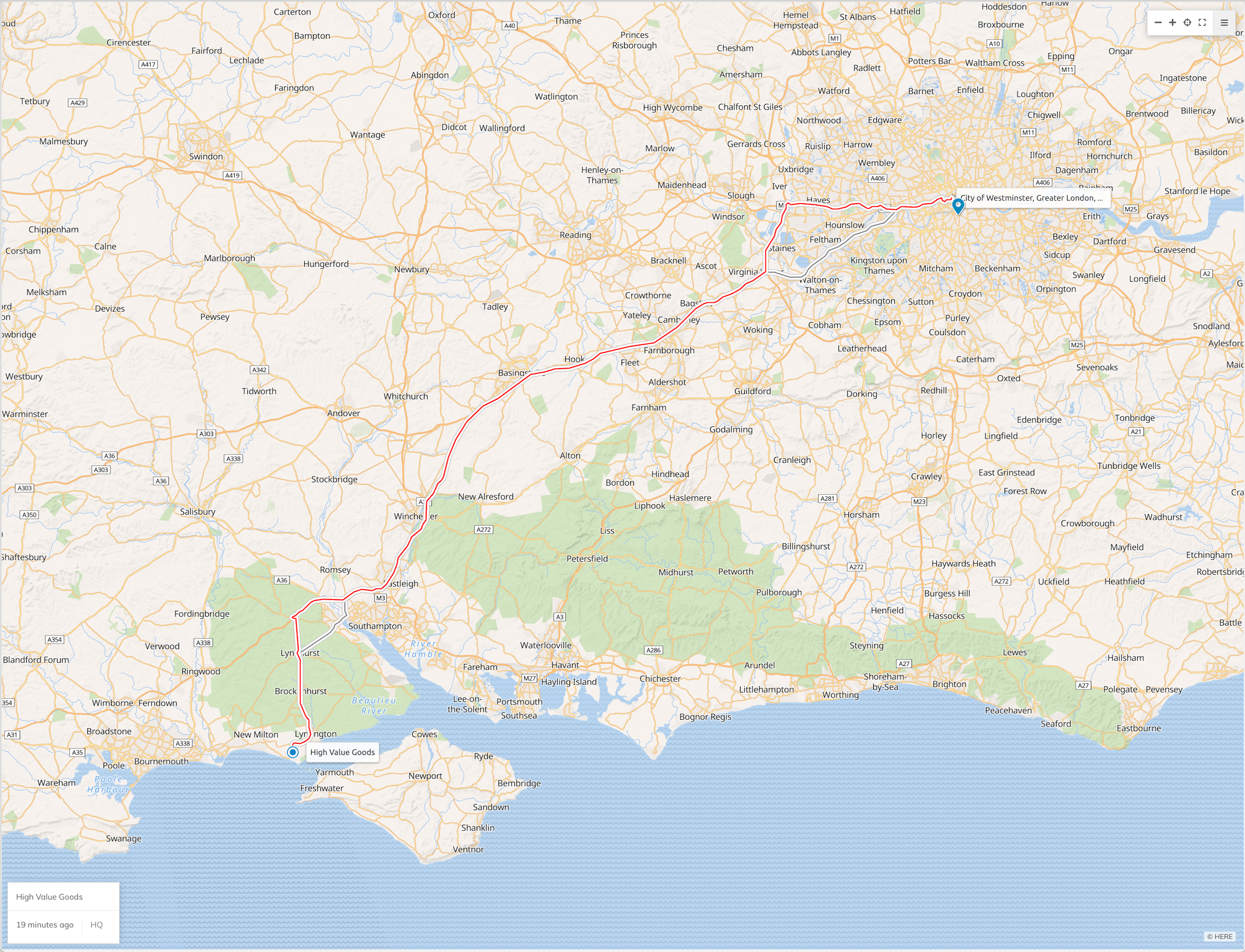
The link includes the name of the Asset, updated positions as the Asset updates, and general routes the Asset may be taking to the destination. Once the time limit expires, the link will become defunct.
Set Up
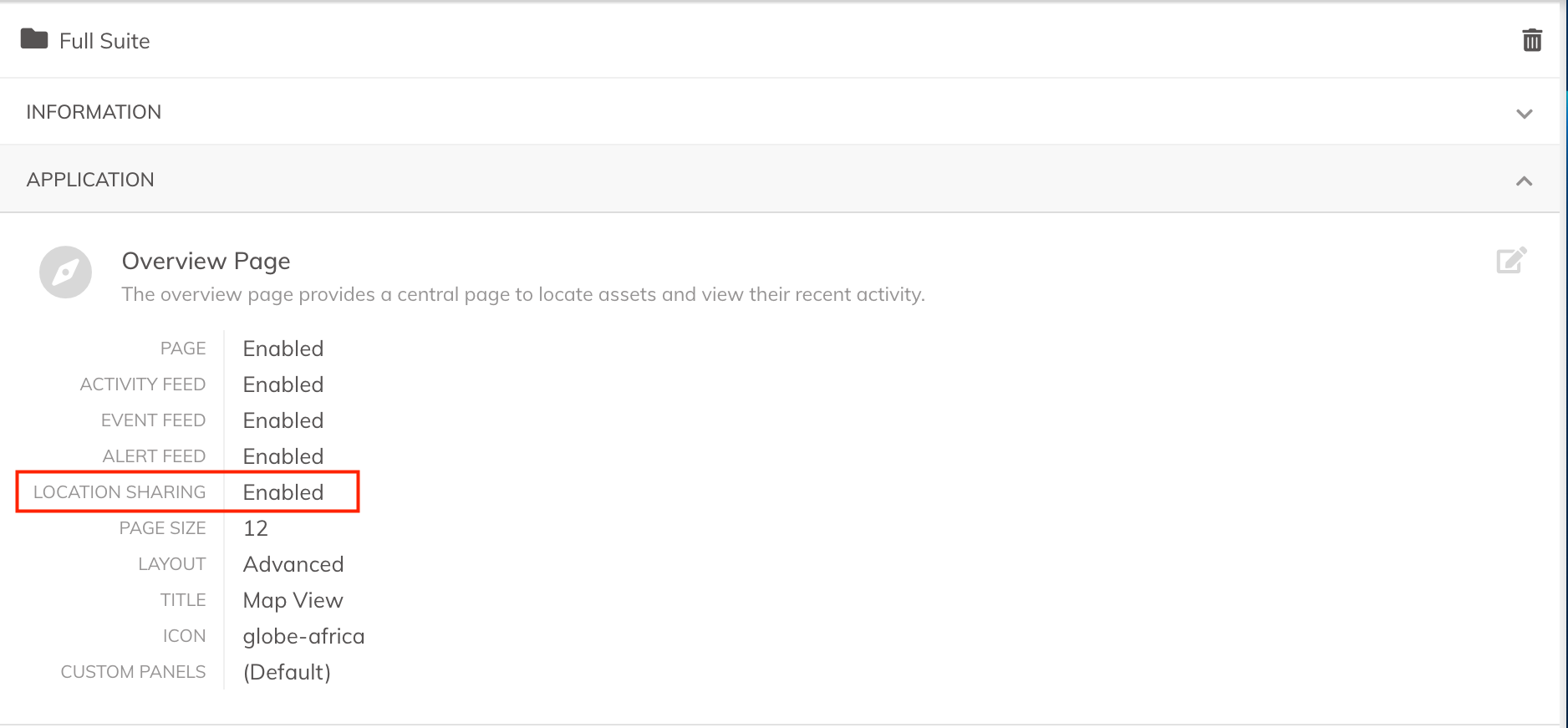
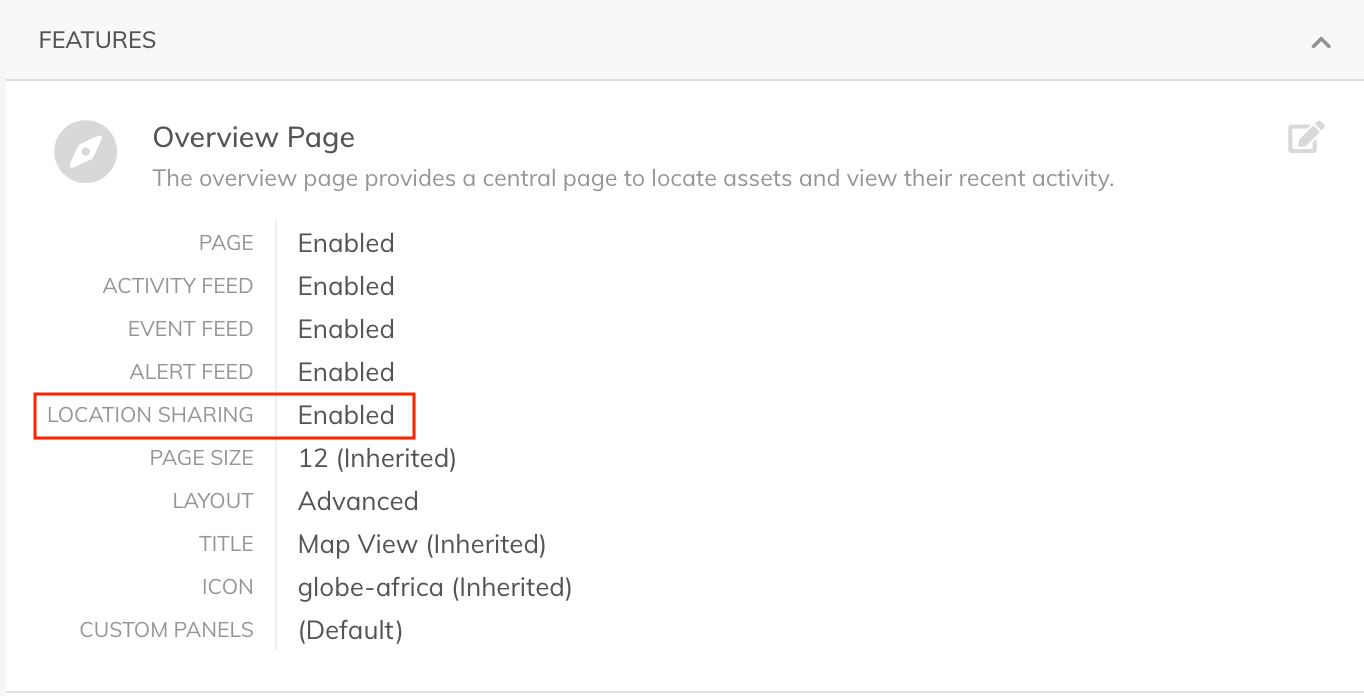
The Location Sharing feature is enabled on Client Groups or individual Clients, under Application / Features respectively. By default the feature is disabled.
1. Enable the Overview Page,
2. Enable the Location Sharing feature.
Client Groups:
Individual Client:
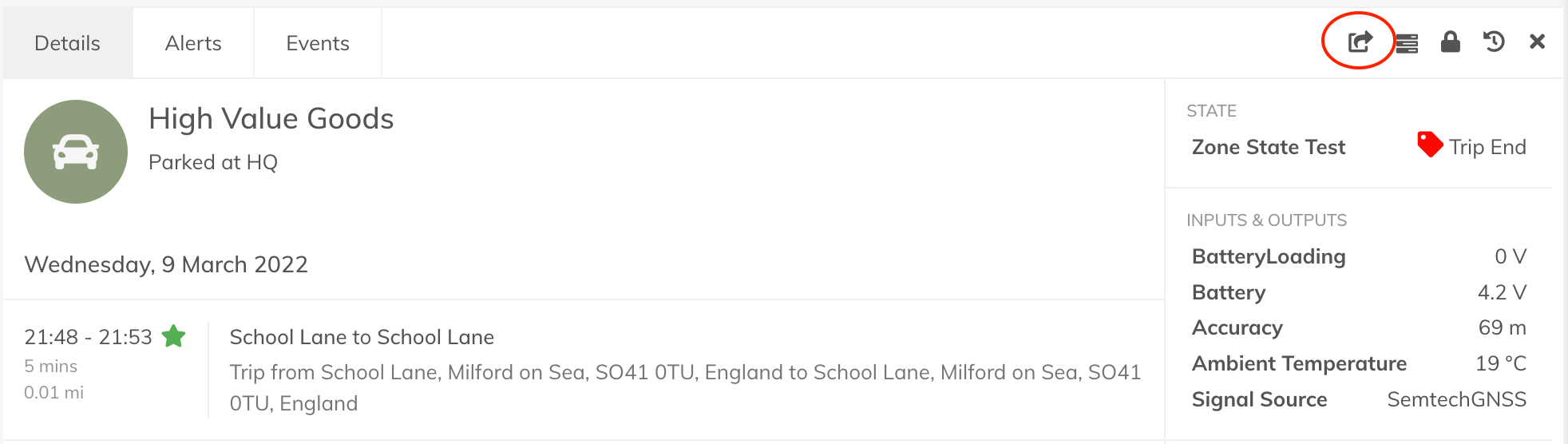
Enabling the feature adds a new button on every Asset. This allows users to share the live location:
Creating and Opening a Link
1. Click the Share button (above),
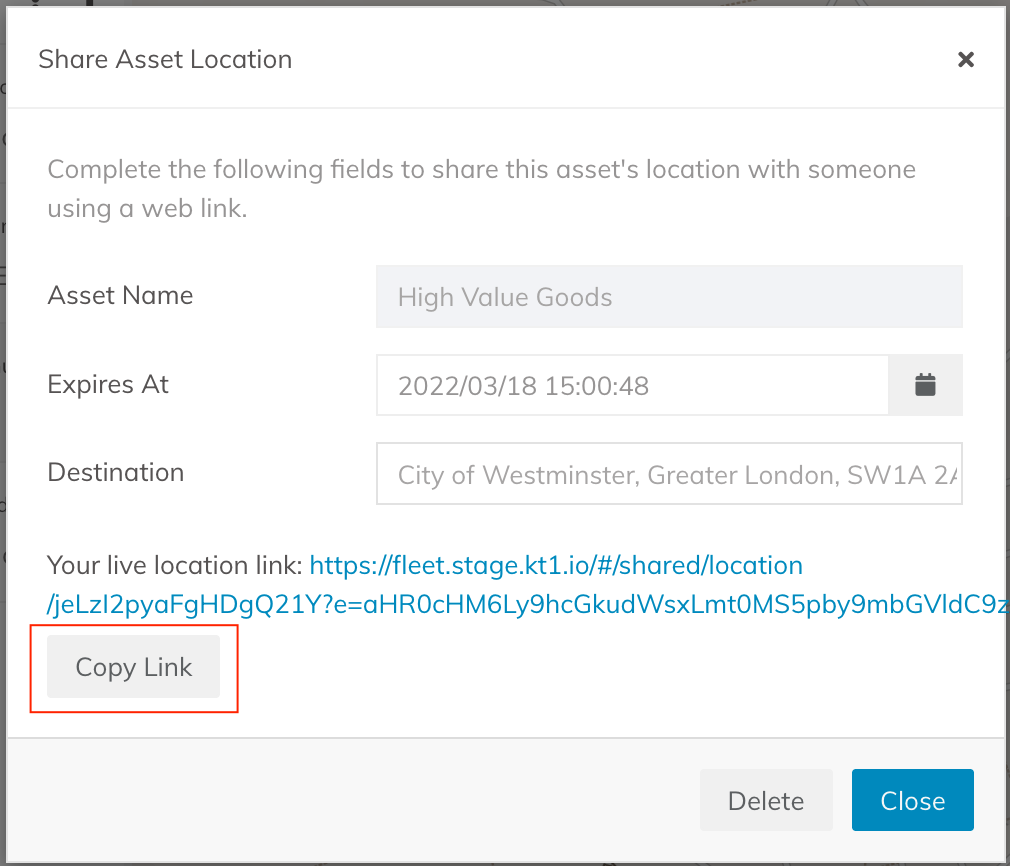
2. Enter the time frame and a destination address into the box,
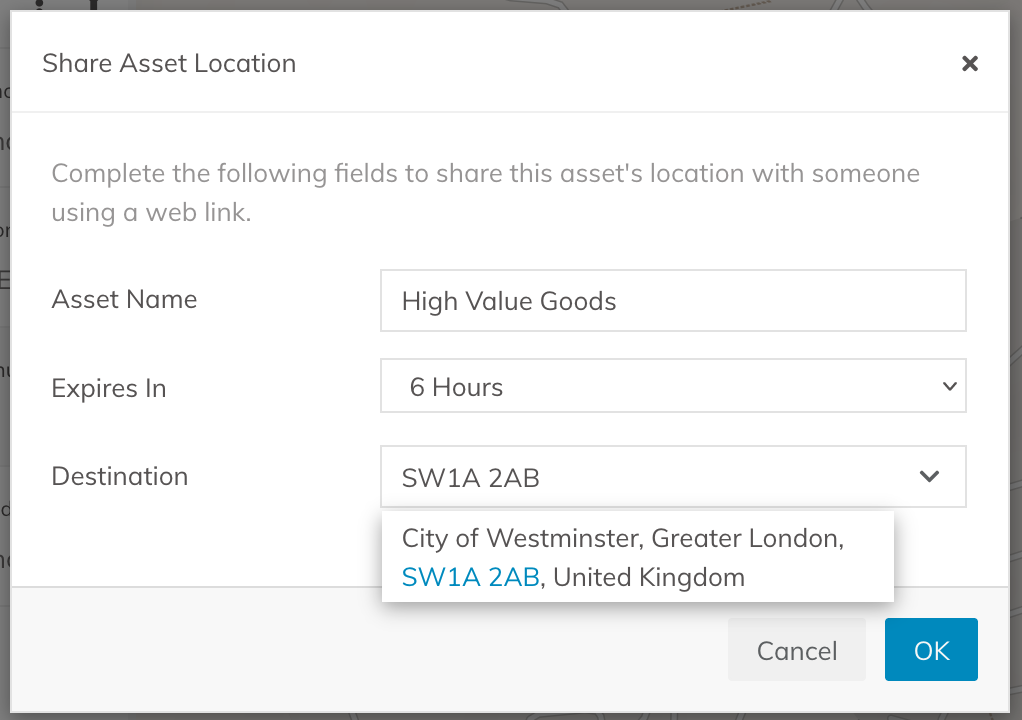
3. Copy the Link and share to anyone.
The person can open the link in any browser, whether on a phone, tablet or PC:
Deleting a Link
Should one wish to cancel sharing before the scheduled expiry time is reached, follow these steps:
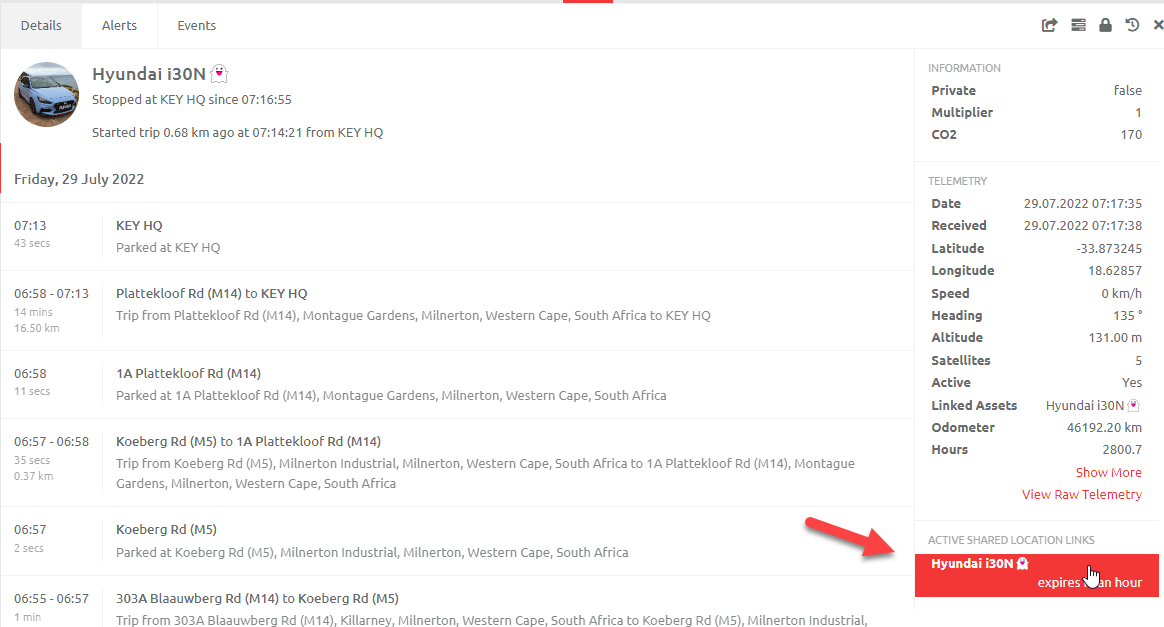
1. Navigate to the Asset in the Overview Screen
2. Click on the "ACTIVE SHARED LOCATION LINKS"
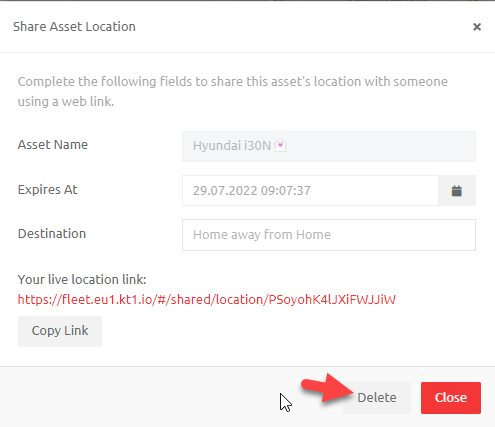
3. Delete the link. The link will no longer be shared.
Comments
0 comments
Please sign in to leave a comment.