Introduction
Users can acknowledge and comment on Alerts. This can be used for managing Alerts in a control room environment, and to ensure nothing of importance is missed. This can be Reported on, as explained further on in this article.
Acknowledging/Commenting on Alerts
Once a User chooses an Alert, the specific position of the Alert appears on the map, and an option where Users can acknowledge or comment on the Alert.
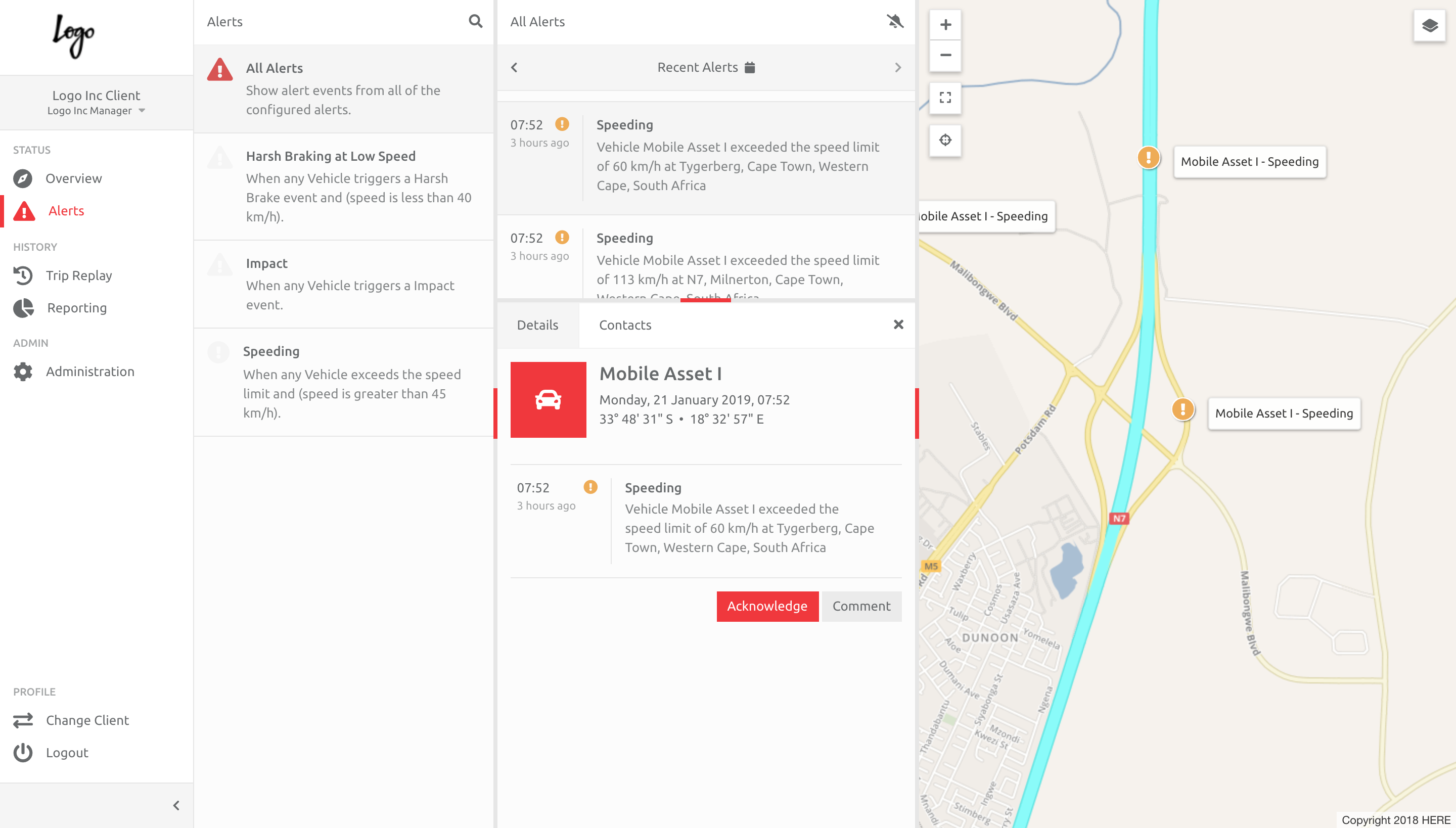
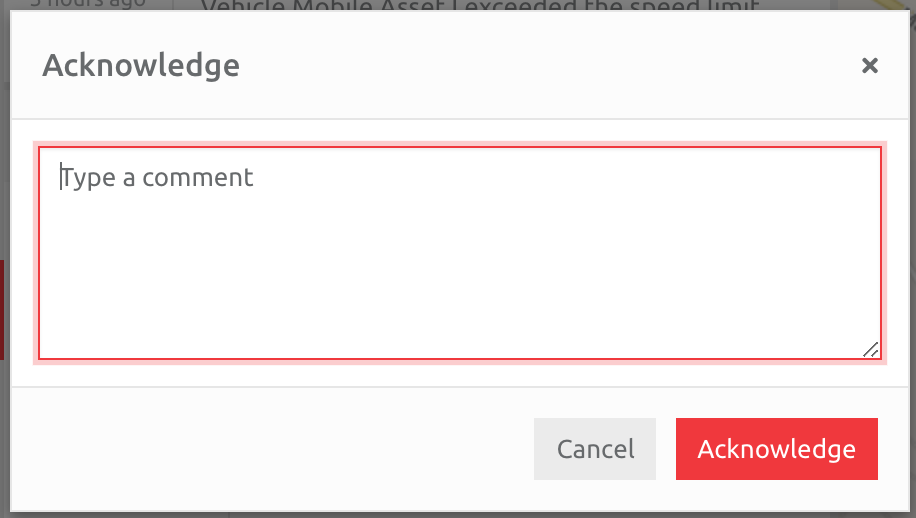
The User chooses whether to acknowledge or comment on the Alert, and enters text in the pop up box:
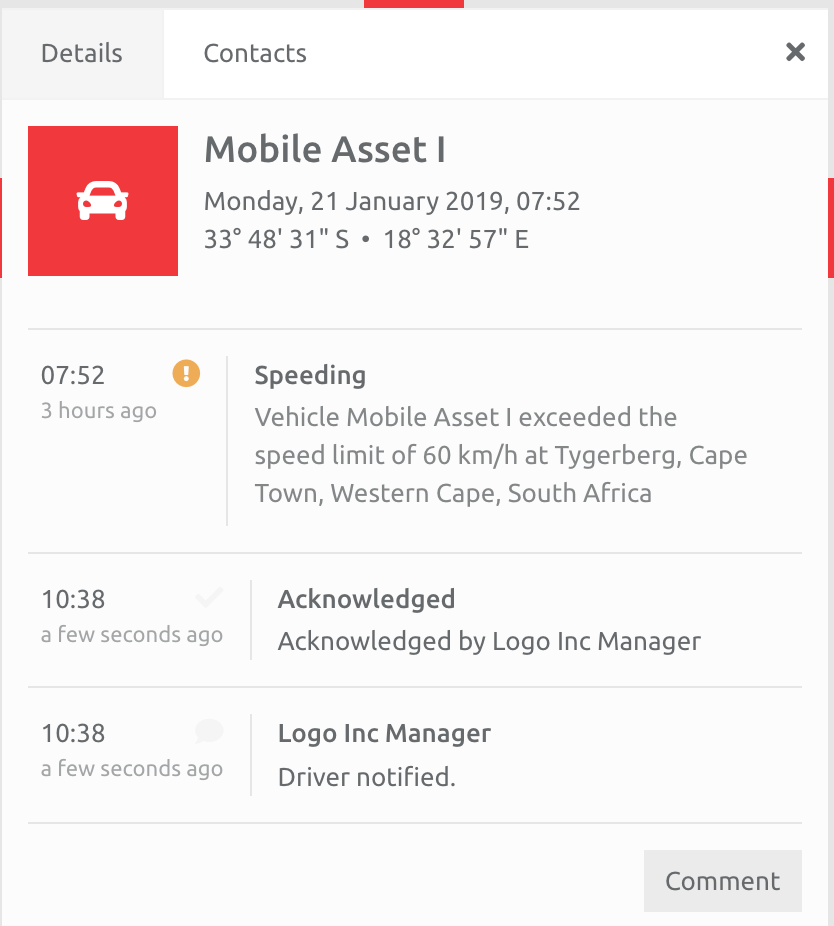
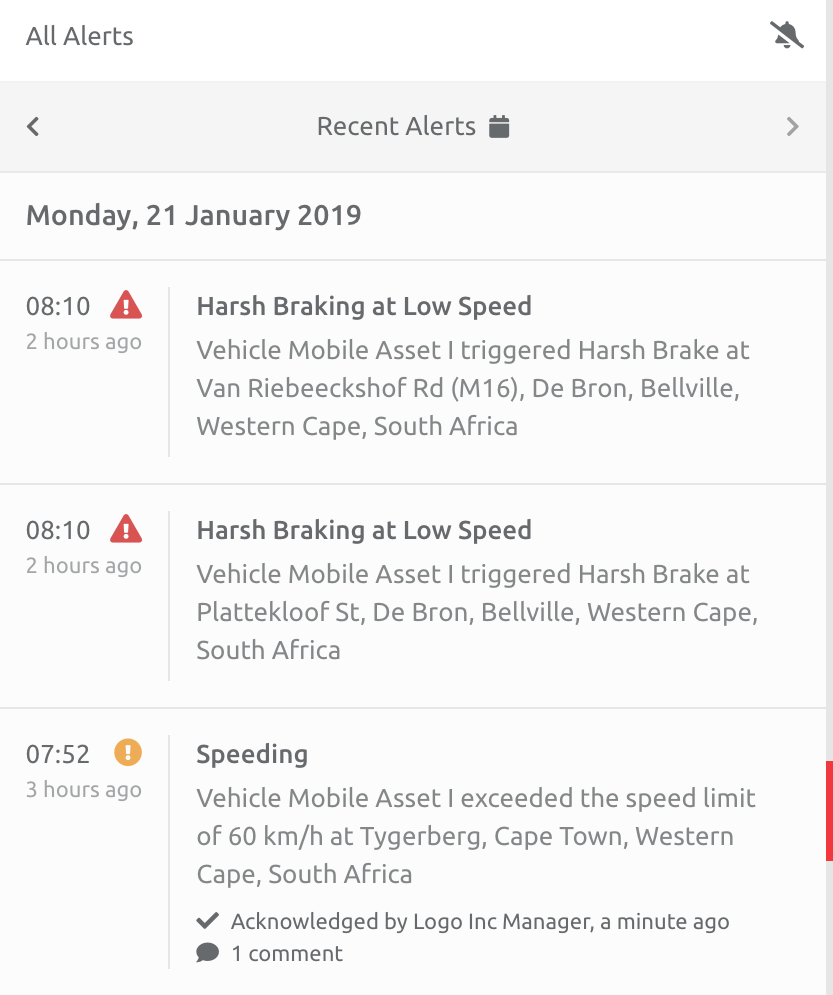
Once they have added this text, the Alert will display this information on the specific Alert, and in the list of Alerts:
Reporting on Alerts
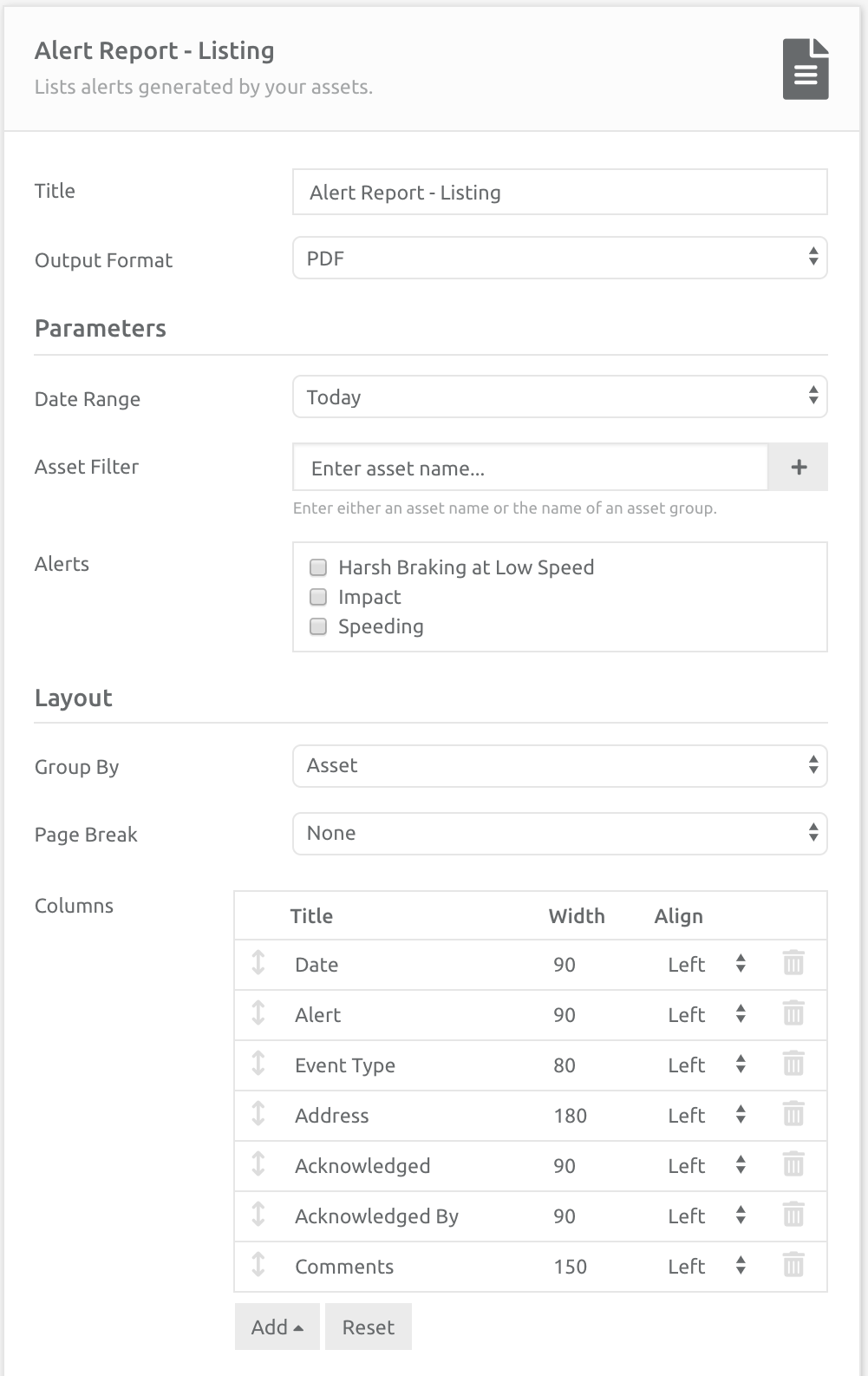
Alerts can be reported on in two ways: by Events or as a List of Alerts. Information that is included in the Report is whether the Alert was acknowledged or commented on, and by whom:
Comments
0 comments
Please sign in to leave a comment.