The Kinesis Pro platform is designed to be browser agnostic: it resizes itself to the browser it is opened in, whether it be in a smartphone, tablet or desktop PC. The views will be slightly different across platforms, however the functionality is maintained.
In the examples below, the login screen per mobile and desktop views are displayed:
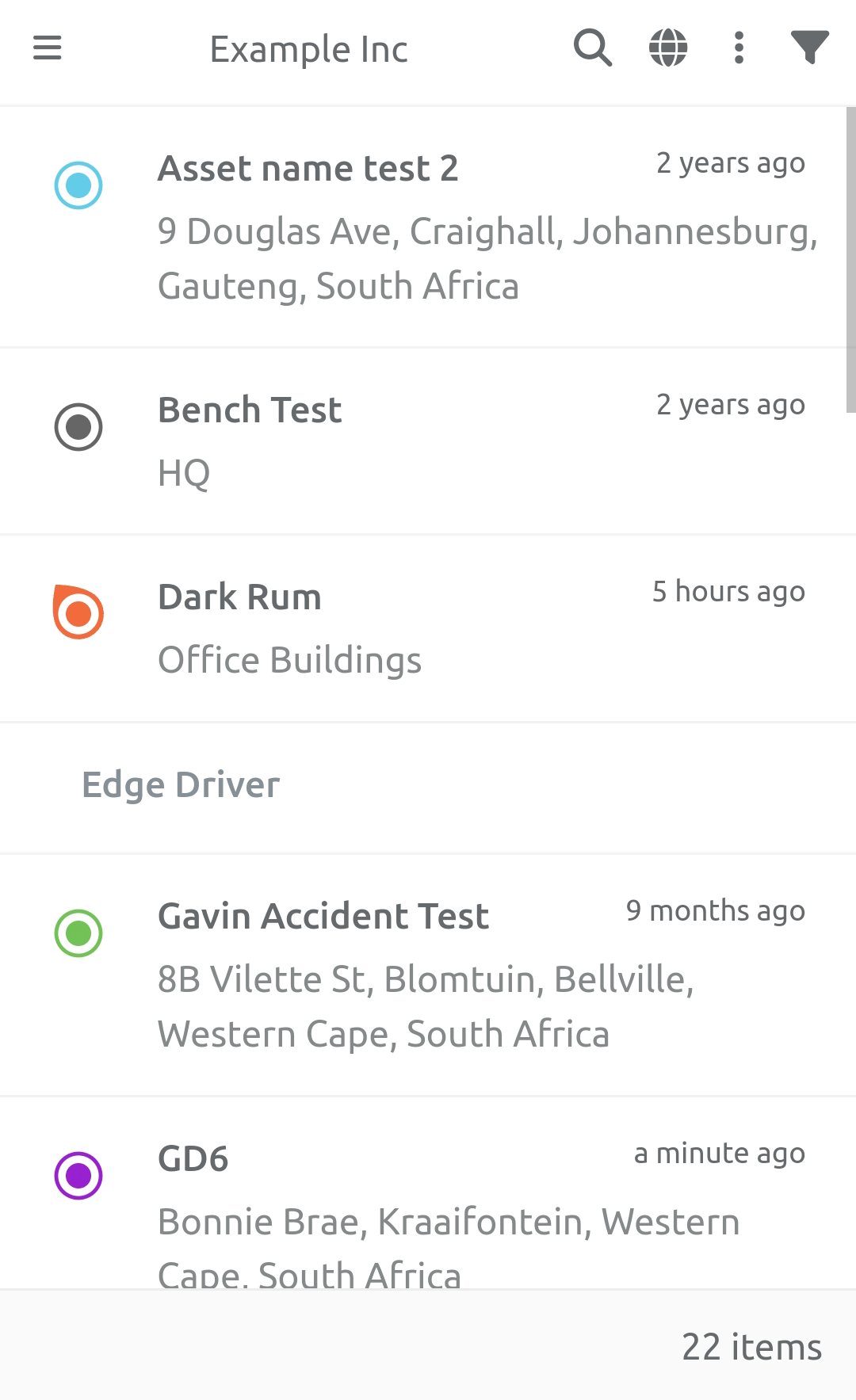
Mobile - lists the Assets in the Client.
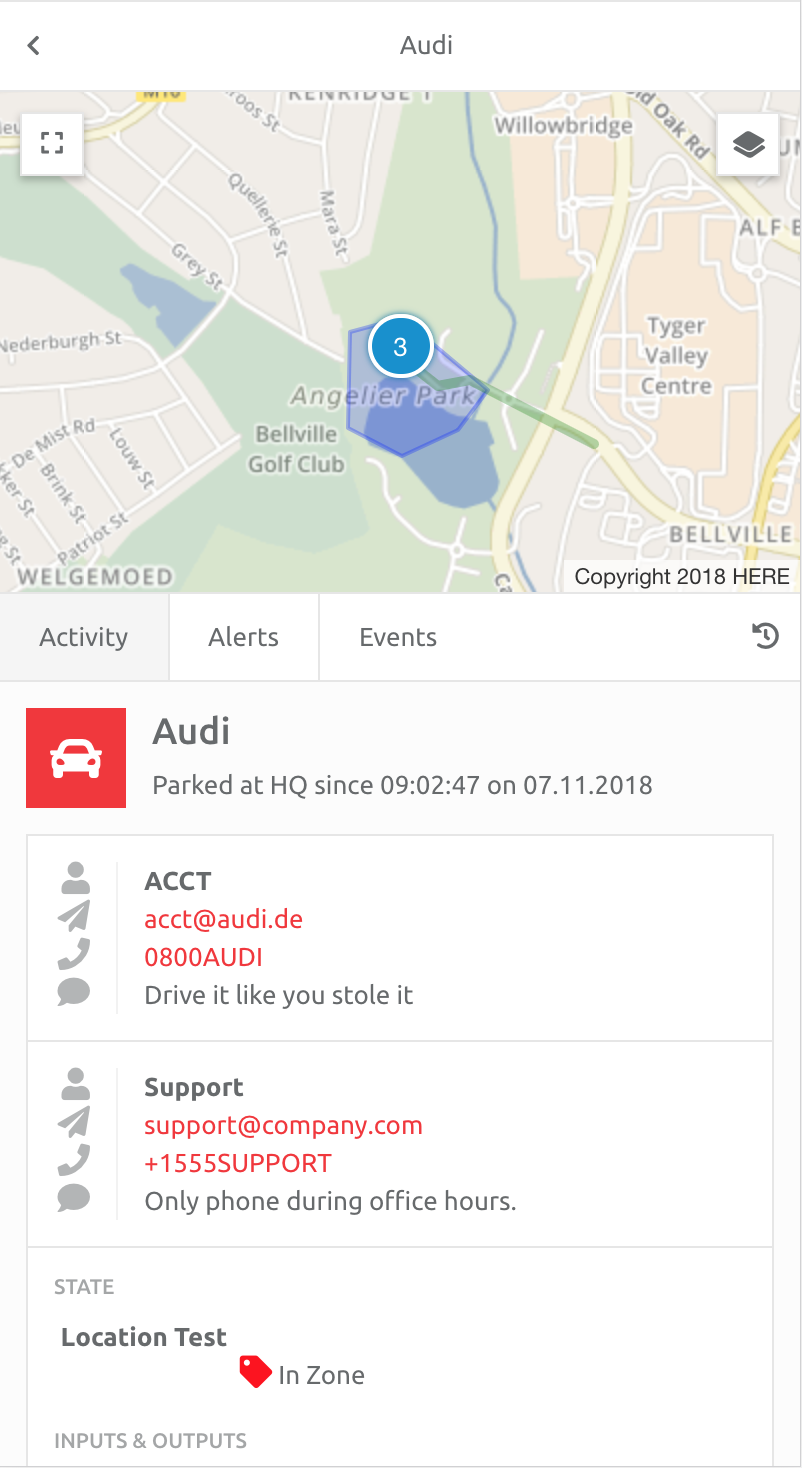
Clicking an Asset opens the view for that Asset.
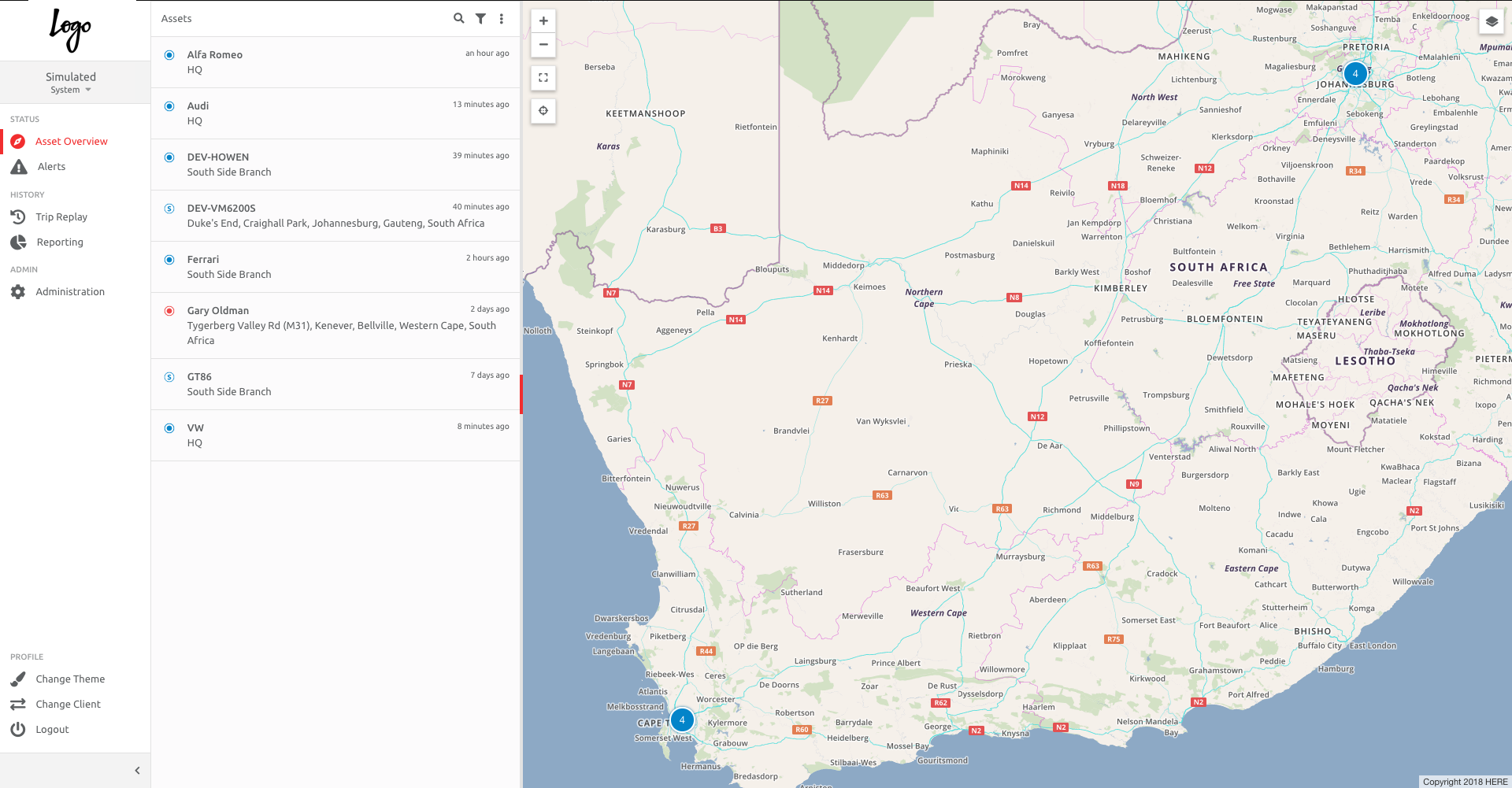
Desktop - lists the Assets in the Client, and displays a heat map of their positions in the world.
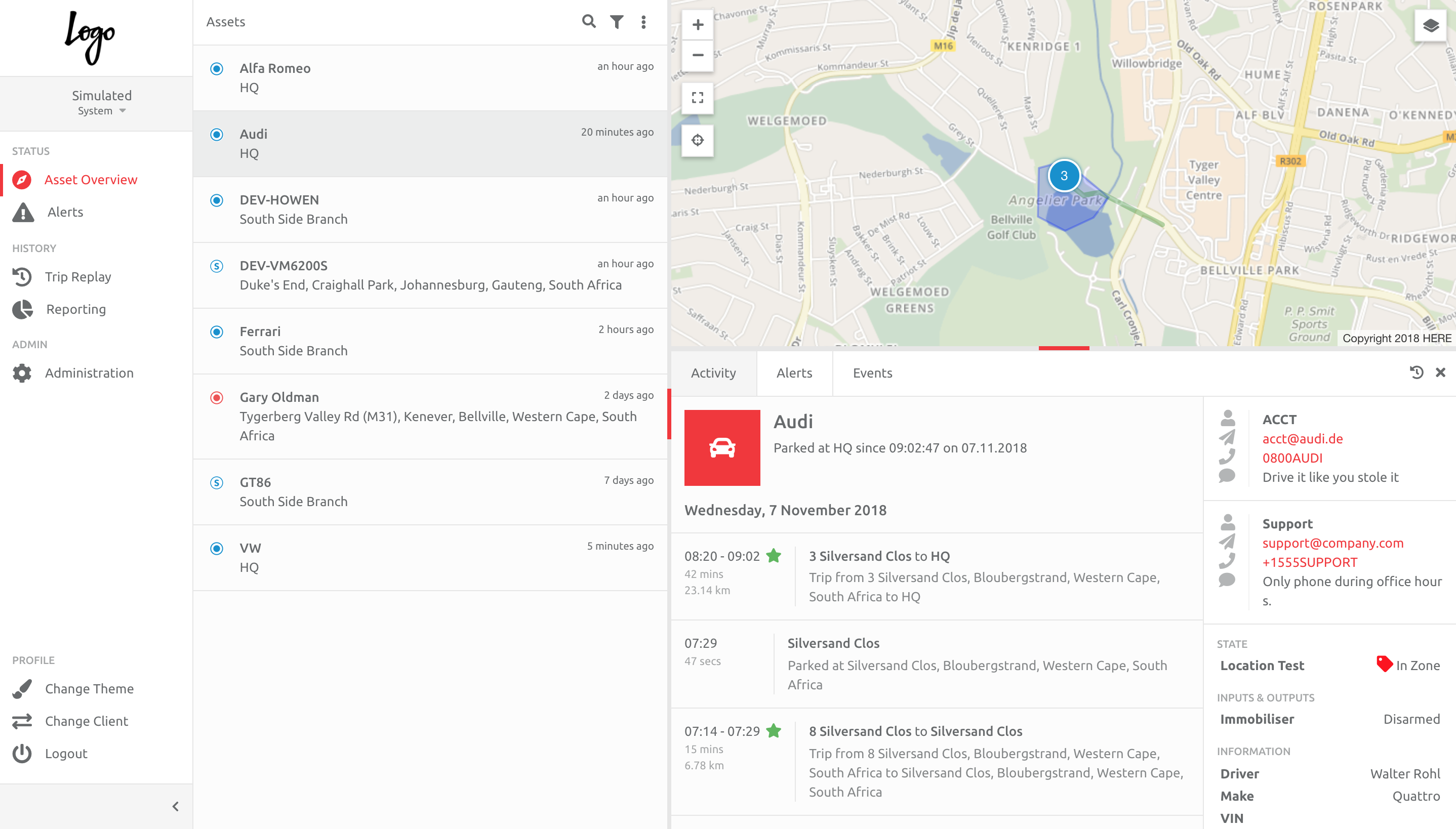
Clicking an Asset opens the view for that Asset.
Comments
0 comments
Please sign in to leave a comment.